Read the Quran Online with English Translation and Transliteration
You can read the whole Quran here, all 114 surahs and 6,236 ayahs, with the Arabic text, an English translation and a line of transliteration under every verse. Pick Saheeh International, Pickthall, Yusuf Ali or another translator, adjust the font size, and listen along. Reading is free and needs no account.
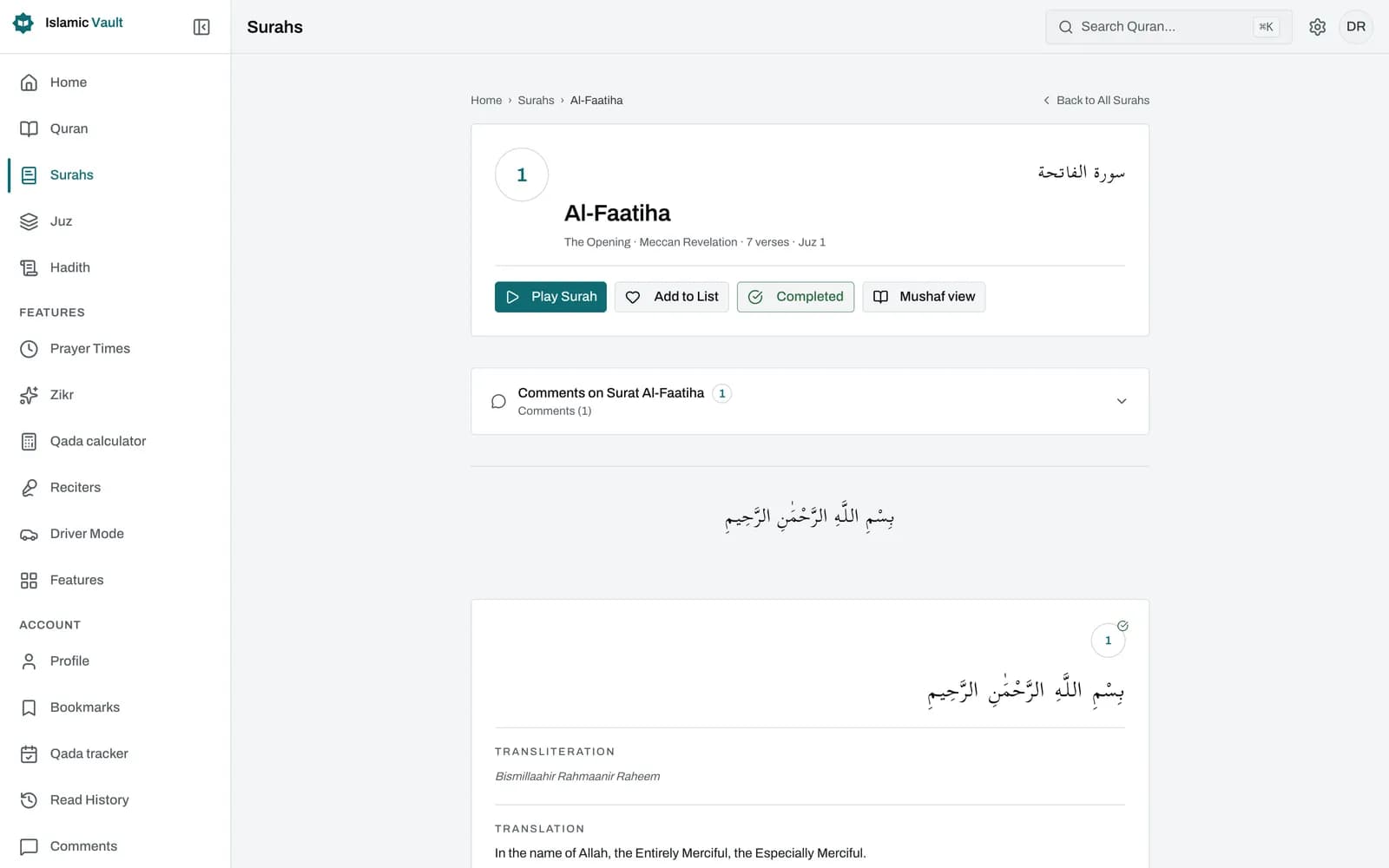
How it works
- 1
Open a surah
Choose any of the 114 surahs from the list, or browse by juz. A link to a single verse, such as Ayat al-Kursi at 2:255, scrolls straight to it.
- 2
Pick your translation
Open the settings panel and choose a translator. Saheeh International is the default; seven English translations and many other languages are available.
- 3
Turn transliteration on or off
Transliteration is shown by default in English. Switch it off once you read Arabic comfortably, or choose the Turkish transliteration instead.
- 4
Listen and keep your place
Play a single ayah or the whole surah with one of 14 reciters. With a free account you can bookmark verses and mark what you have read.
Which English translation of the Quran should I choose?
There is no single perfect translation, so choose the one whose style helps you understand. The reader offers seven English translations: Saheeh International (the default), Pickthall, Yusuf Ali, Hilali and Khan, Arberry, Daryabadi and Maududi. You can switch between them at any time and compare how each renders the same verse.
Saheeh International uses modern, plain English and marks words added for clarity in square brackets, for example 1:2: "[All] praise is [due] to Allah, Lord of the worlds." Reading the same verse in two or three of these translators is a simple way to see where they agree and where their word choices differ.
Beyond English there are 50+ translations in more than 30 languages, including Urdu (Fateh Muhammad Jalandhry, Ahmed Raza Khan and others), Turkish (Diyanet), French (Muhammad Hamidullah), German, Russian, Bengali, Malay and Spanish. The reader shows one translation at a time, not several side by side.
How can I read the Quran with transliteration?
Turn on transliteration in the settings panel and a line of Arabic written in Latin letters appears under each verse. It helps new Muslims, children and anyone still learning the Arabic alphabet to follow the sounds while listening to a reciter, and it is shown by default in English.
For 1:2 the English transliteration reads "Alhamdu lillaahi Rabbil 'aalameen". A second, Turkish transliteration (Çeviriyazı, by Muhammet Abay) follows Turkish spelling conventions, which some readers find easier.
Transliteration is a bridge, not a replacement for the Arabic. Letters such as ح and ه, or ع and ء, have no exact Latin equivalent, so pairing it with the audio and, over time, learning to read the Arabic script gives you the most accurate pronunciation.
Is a Quran translation the same as tafsir?
No. A translation conveys the meaning of the Arabic in another language, while tafsir is a scholarly commentary that explains context, wording and rulings. This reader shows the Arabic text with translation and transliteration only. It does not include tafsir, word-by-word breakdowns or tajweed colour coding.
Muslims regard the Quran itself as the Arabic text. Every translation is a human effort to express its meaning, which is why translators sometimes differ on a word or phrase. When a verse raises a question, a recognised tafsir or a knowledgeable teacher is the right next step.
How do I make reading comfortable on my screen?
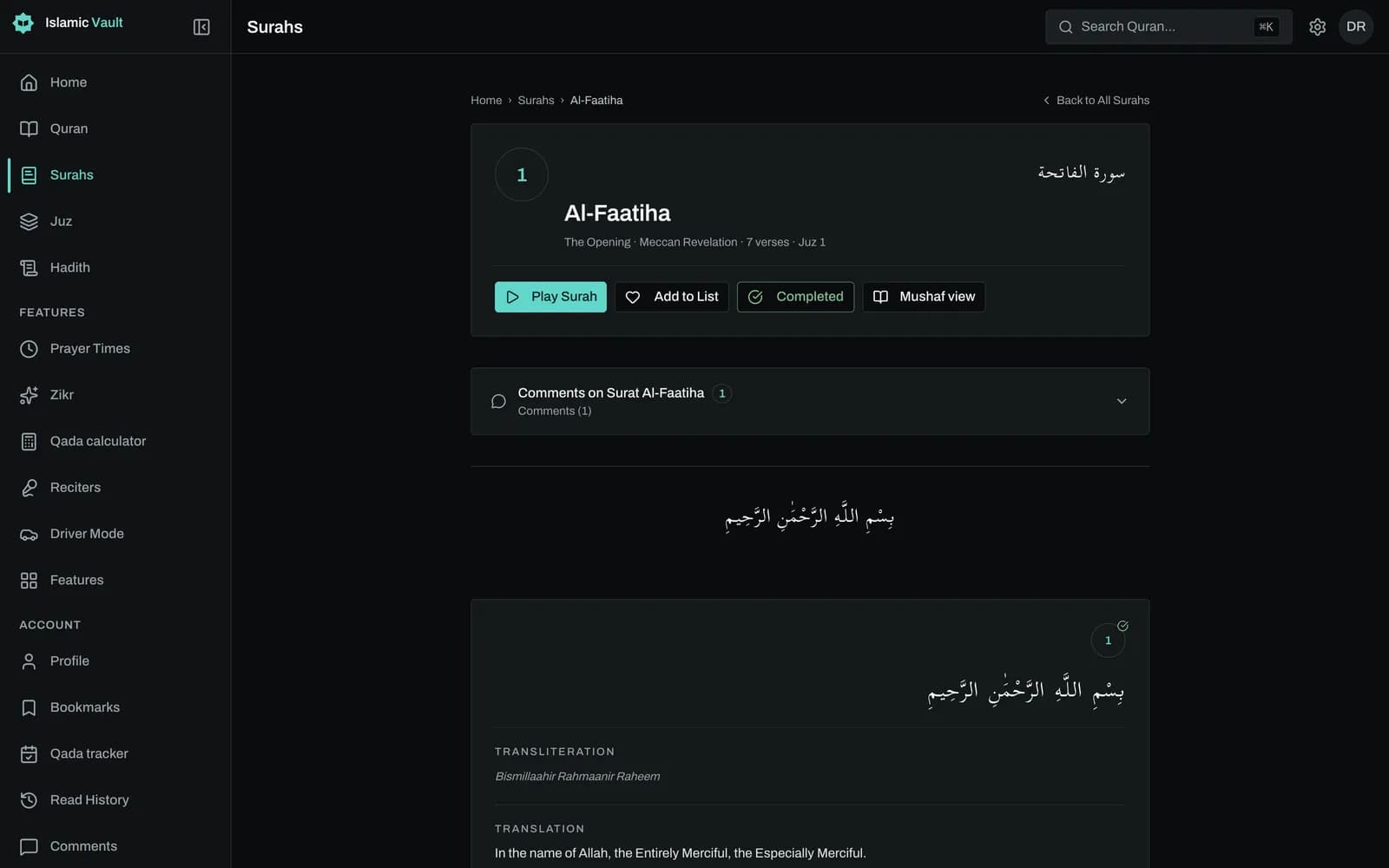
Use the settings panel to set the font size, switch between light and dark themes, and hide the translation or transliteration when you want to focus on the Arabic. The font size has six steps and scales the Arabic, translation and transliteration together, so the page stays balanced on phone or desktop.
The Arabic is the fully vowelled text with waqf marks, in a clear Simple script. Your translation, transliteration and reciter choices are remembered in your browser, so the next surah you open uses them, even without signing in.
The audio bar lets you change the speed from 0.5x to 2x, skip to the previous or next ayah and turn on auto-scroll so the page follows the recitation. Each verse can be copied with its reference or shared as a link, on WhatsApp, X or Facebook.
Can I read the Quran by surah, juz or page?
Yes. You can read surah by surah, open any of the 30 juz (para), or switch to the mushaf view and turn through its 604 pages. All three are public, so you can read in whichever way matches your routine, whether that is a daily juz or a single surah.
Surah pages are best for study, since each ayah sits with its translation, transliteration and audio. The juz view suits a set daily portion, for example during Ramadan, and the mushaf view is closer to reading a printed copy.
With a free account you can bookmark verses or whole surahs and mark ayahs or a whole surah as read to keep track of where you are. Reading itself never requires an account.
Sources and method
Frequently asked questions
Where can I read the Quran online in English?
Right here. Open any surah and each ayah shows the Arabic with an English translation (Saheeh International by default) and an English transliteration. You can switch to six other English translators in the settings panel. It is free and works in any browser.
Which English translation of the Quran is the most accurate?
Scholars and readers differ, and each translation makes its own choices. Saheeh International is popular for its clear modern English and bracketed additions. Try a verse in two or three translators and use the one that helps you understand, alongside a teacher or tafsir.
How can I read the Quran with transliteration if I cannot read Arabic?
Turn on transliteration in the settings panel (it is on by default) and follow the Latin letters under each ayah while the reciter plays. Slowing the audio to 0.75x or 0.5x makes it easier to match each word.
Can I switch between different translations of the same verse?
Yes. Choose another translator in the settings panel and the verse reloads in that translation. The reader shows one translation at a time, so compare by switching rather than side by side.
Is it free to read the Quran online, and do I need an account?
Reading is completely free and needs no account, including audio, settings, the juz and mushaf views. A free account is only needed to bookmark verses, mark ayahs as read and post comments.
Can I read the Quran by surah, juz or page?
Yes. Read all 114 surahs one by one, open any of the 30 juz, or use the mushaf view with its 604 pages.
Does the reader have word-by-word translation or tafsir?
No. The reader shows the Arabic text with a full-verse translation and transliteration. It does not offer word-by-word translation, tafsir commentary or tajweed colour coding.
Related features
Listen to Quran recitation by reciter, free: Abdul Basit, Alafasy, Husary, As-Sudais, Maher Al Muaiqly and more, ayah by ayah, with the Arabic text on screen.
Bookmark any ayah or whole surah, sort your favorite verses into your own folders and open them again on the web and in the Islamic Vault mobile app.
Read the Quran page by page online with the 604 page divisions of the Madinah mushaf. Jump to any page, add translation and listen ayah by ayah. Free.
Keep your progress in one place
Create a free account to save your progress and pick up where you left off. Or start exploring now, no account needed.