Quran Memorization App: Repeat Each Ayah and Listen Hands-Free
The simplest way to start memorizing a surah is to hear each ayah several times before moving on. Memorize mode does exactly that: choose a surah and a range of ayahs, set how often each ayah repeats, and press Start. Large controls and, where supported, a screen that stays awake let you listen without touching anything.
How it works
- 1
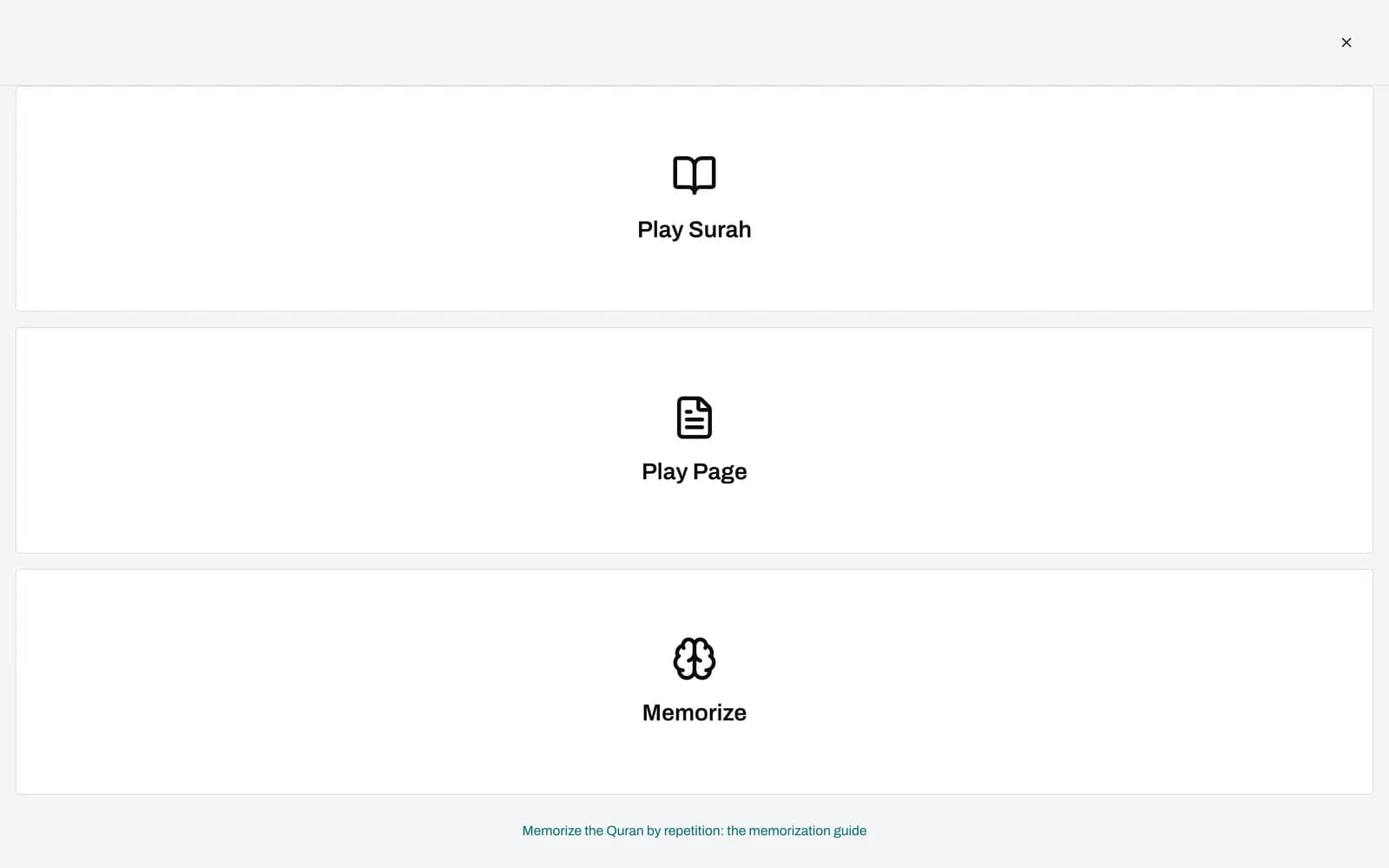
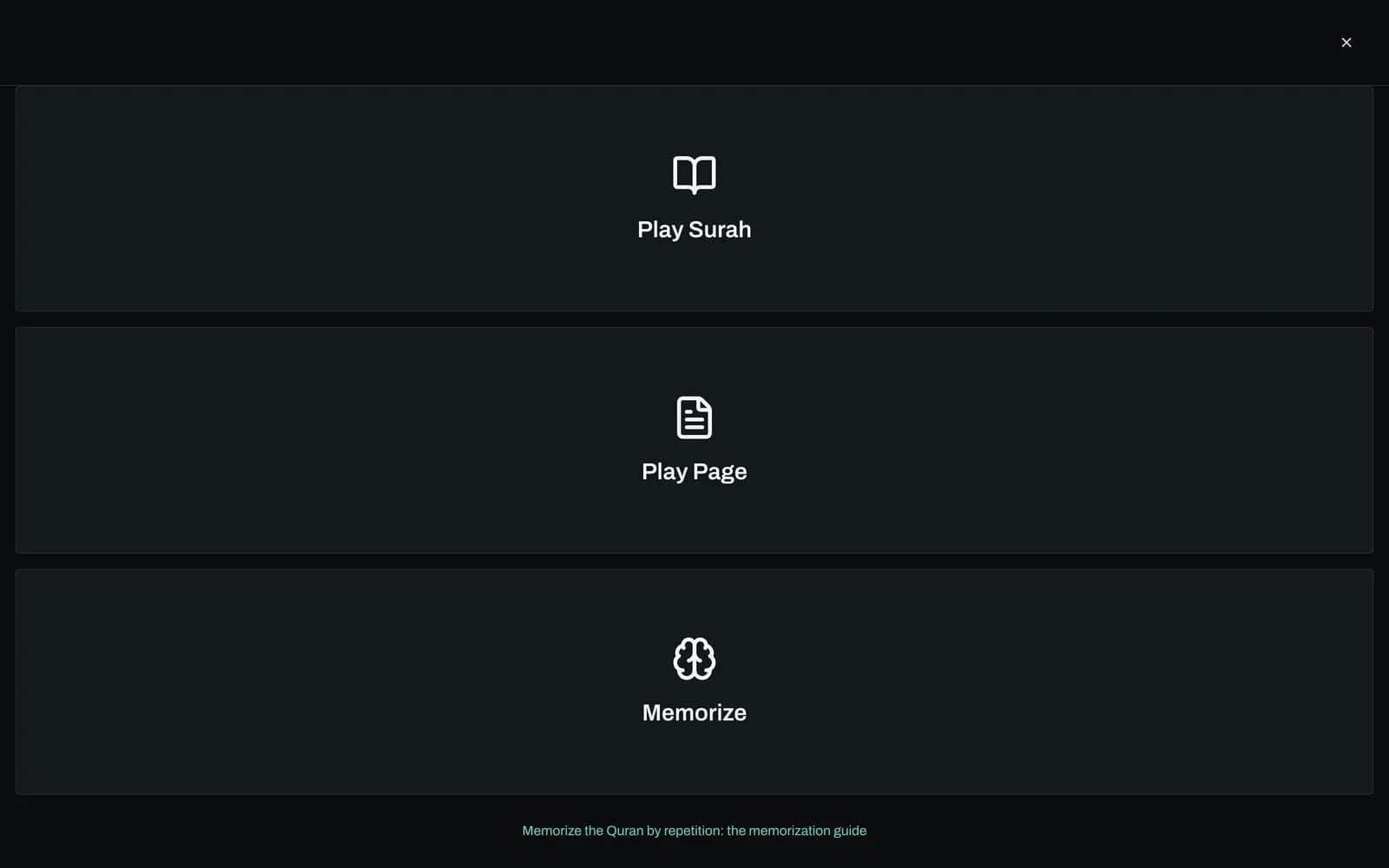
Open Driver Mode and tap Memorize
Driver Mode is a full-screen view with very large buttons. It works in any browser and needs no account.
- 2
Pick a surah and an ayah range
Choose the surah, then set the FROM and TO ayah with the steppers. By default the whole surah is selected.
- 3
Set how often each ayah repeats
Repeat Each Ayah goes from 1 to 20, with 3 as the default. Each ayah plays that many times before the next one begins.
- 4
Press Start and listen
A counter such as Repeat 2/3 shows where you are. You can change the repeat count, skip ayahs or adjust speed while it plays, and playback stops at the end of your range.
What is the best way to memorize the Quran by listening?
Many students memorize with a simple cycle: listen to an ayah several times, recite it along with the reciter, then recite it alone from memory. Repetition carries most of the work. Memorize mode handles the listening part for you, repeating each ayah a set number of times so your attention stays on the words.
Short, focused portions work better than long ones. Hearing the same ayah three, five or ten times in a row helps the sounds and rhythm settle before you try them yourself. When one ayah feels secure, link it to the next by reciting both together.
Memorize mode does not leave a silent gap between repeats, so it suits listening and reciting along rather than pausing to answer. Use the pause button whenever you want to recite an ayah on your own, then resume.
How does Memorize mode work, step by step?
Memorize mode plays a range of ayahs from one surah and repeats each ayah before advancing. You pick the surah, the first and last ayah, and a repeat count from 1 to 20. After you press Start, every ayah plays the chosen number of times, then the next begins, until the last ayah of your range finishes.
During playback the screen shows the surah name, the ayah number, a repeat counter and large controls: play and pause, previous and next ayah, plus and minus to change the repeat count on the fly, and a speed button that cycles through 0.75x, 1x, 1.25x and 1.5x. Moving to another ayah resets the counter.
Audio uses the reciter you selected in Settings (Abdul Basit by default, 14 in total), streamed one ayah at a time. Where the browser supports it, the screen is kept awake so playback is not interrupted by the lock screen.
The range does not loop. When the last ayah finishes its repeats, playback stops, and you can press Start again to go through the portion once more.
Can I memorize the Quran while driving?
You can listen while driving, but only listen. Driver Mode is designed so that once you press Start, nothing needs touching: ayahs repeat and advance on their own and, where supported, the screen stays on. Set your surah, range and repeat count before you set off, and never read the screen or tap buttons while the car is moving.
The large buttons are there to reduce fumbling when you are parked or a passenger, not to invite interaction at the wheel. There are no voice commands and no CarPlay or Android Auto integration, so if you need to change something, pull over first.
During playback the screen shows no Arabic text or translation, only the surah name, ayah number and controls. That keeps it quiet to glance past, and it also means driving time is for listening, not for reading.
How many ayahs should I memorize per day? A sample routine
There is no fixed number, and teachers set different amounts for different students. As an example only, many beginners take 3 to 5 new ayahs a day and spend more time revising what they already know. Consistency matters more than size: a small portion every day usually holds better than a large one now and then.
Example routine (adapt it with your teacher): in the morning, set Memorize mode to today's 3 to 5 new ayahs with 5 to 10 repeats each, listen and recite along. Later, play yesterday's portion at 3 repeats and recite it from memory. Once a week, go back over the whole surah you are working on.
Memorize mode does not save this plan or record what you have learned, so keep your own note of which ayahs are new and which are for revision.
What Memorize mode does not do
Memorize mode is a listening aid, not a teacher or a tracker. It does not test your recall, hide text, check your recitation, schedule reviews or save your progress, and it does not mark ayahs as read in your account. For correct pronunciation, learn tajweed and have your recitation checked by a qualified teacher.
A range always stays within one surah. Audio streams from the internet, so it does not work offline. Memorize mode is currently part of the website only; the iOS and Android apps offer ayah and surah repeat in their player but not this mode.
If you want to read the ayahs while memorizing, open the surah in the Quran reader or the page view at home, then switch to Memorize mode for listening.
Sources and method
- Islamic Vault Driver Mode with Memorize
- Per-ayah recitation audio served from cdn.islamic.network
- Screen Wake Lock API (MDN)
Frequently asked questions
What is the best way to memorize the Quran?
Work in small portions, repeat each ayah many times by listening and reciting along, then recite it from memory and link it to the ayah before. Revise older portions every day, and recite to a teacher who can correct your tajweed. Memorize mode helps with the repetition.
How many ayahs should I memorize per day?
It depends on your time and your teacher's advice. As an example, many beginners start with 3 to 5 new ayahs a day and spend more time on revision. A small, steady amount is usually easier to keep than a large one.
How do I review what I have memorized so I do not forget?
Set aside time every day to recite earlier portions, for example yesterday's ayahs daily and the whole surah weekly. You can set Memorize mode to an older range with a lower repeat count. The app does not schedule reviews or track what you have learned, so keep your own list.
Can I memorize the Quran by listening while driving?
You can listen and repeat aloud while driving, as long as you set everything up before you start and never look at or touch the screen while moving. Memorize mode repeats and advances on its own. It has no voice control, so pull over to change anything.
How many times should I repeat each ayah?
Memorize mode lets you choose 1 to 20 repeats per ayah, with 3 as the default. Many learners use more repeats for new ayahs and fewer for revision. You can raise or lower the count while it plays.
Is there a free app for Quran memorization?
Yes. Memorize mode on Islamic Vault is free and works in your browser without an account. It covers all 114 surahs and lets you choose from 14 reciters. It is a listening aid, not a hifz tracker, and it is not yet in the mobile apps.
Can I change the reciter or the speed?
Yes. Memorize mode uses the reciter selected in Settings, Abdul Basit by default. While it plays, the speed button cycles through 0.75x, 1x, 1.25x and 1.5x, so you can slow down for a difficult ayah.
Related features
Listen to Quran recitation by reciter, free: Abdul Basit, Alafasy, Husary, As-Sudais, Maher Al Muaiqly and more, ayah by ayah, with the Arabic text on screen.
Read the Quran page by page online with the 604 page divisions of the Madinah mushaf. Jump to any page, add translation and listen ayah by ayah. Free.
Read all 114 surahs of the Quran online in Arabic with English translation and transliteration. Choose from 50+ translations in 30+ languages, free.
Keep your progress in one place
Create a free account to save your progress and pick up where you left off. Or start exploring now, no account needed.