Listen to the Quran: Recitations by Famous Reciters
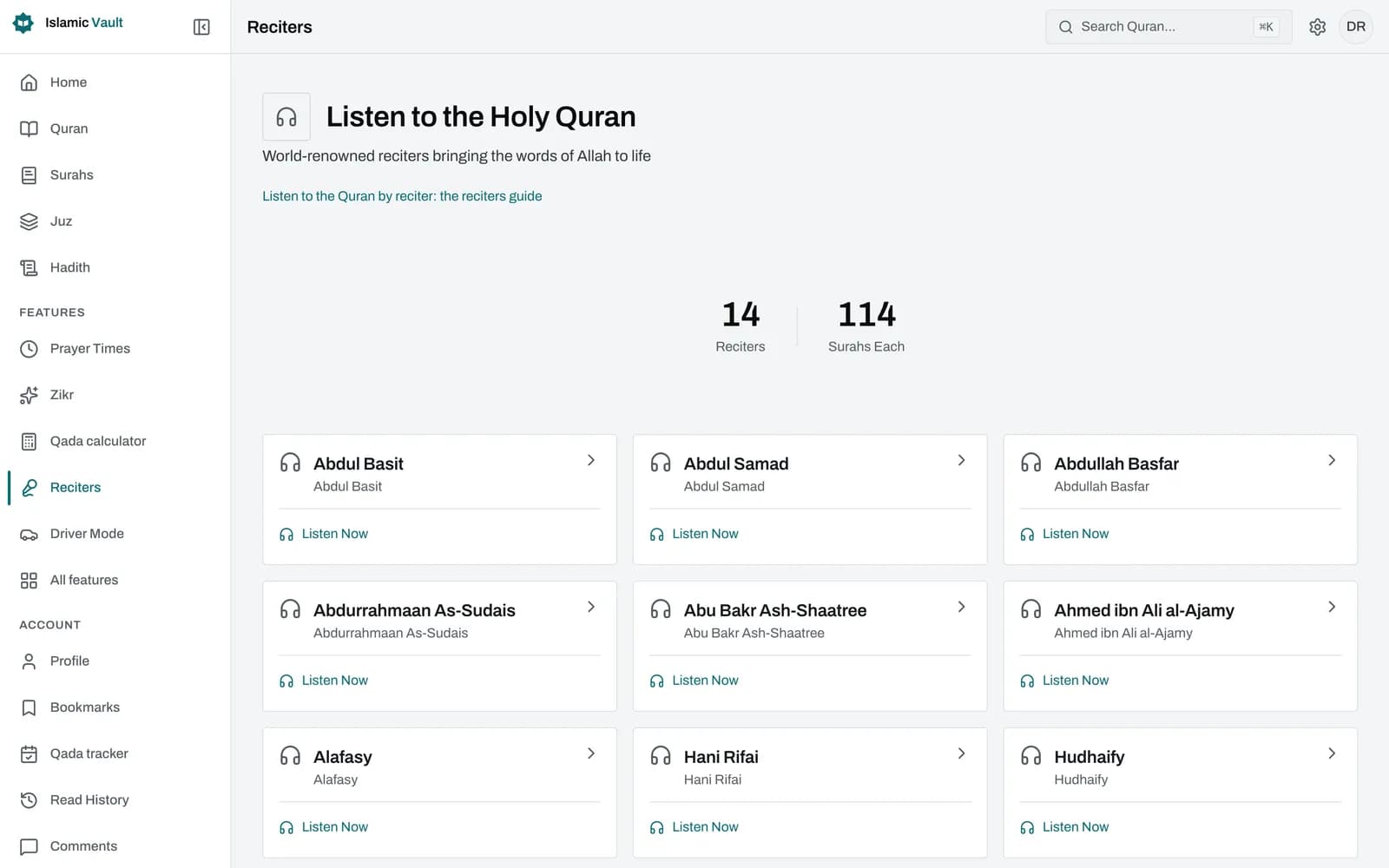
You can listen to the whole Quran online, free, with 14 well-known reciters including Abdul Basit, Alafasy, Husary, Abdurrahmaan As-Sudais and Maher Al Muaiqly. Pick a reciter in the settings panel, open any surah, and the audio plays ayah by ayah while the Arabic text and translation stay in front of you.
How it works
- 1
Choose your reciter
Open the settings panel and pick one of the 14 reciters under Audio reciter. Abdul Basit is selected until you change it, and your choice is saved in the browser, no account required.
- 2
Open a surah
Go to any surah in the Quran reader and press Play all in the surah header, or the play button next to a single ayah. In the mushaf, tap an ayah to play it.
- 3
Listen and follow along
The player moves ayah by ayah and marks the one being recited. Turn on auto-scroll to keep it in view, and adjust speed, volume or the seek bar as you go.
- 4
Keep listening while you browse
Playback continues when you move to another page, and tapping the player takes you back to the surah and ayah you are hearing.
Which Quran reciters can I listen to?
You can listen to 14 reciters, and every one of them covers the complete Quran: all 114 surahs and all 6,236 ayahs. The list includes Abdul Basit, Alafasy, Husary, Abdurrahmaan As-Sudais, Saood bin Ibraaheem Ash-Shuraym, Maher Al Muaiqly and Minshawy, so the voices most people search for are already here.
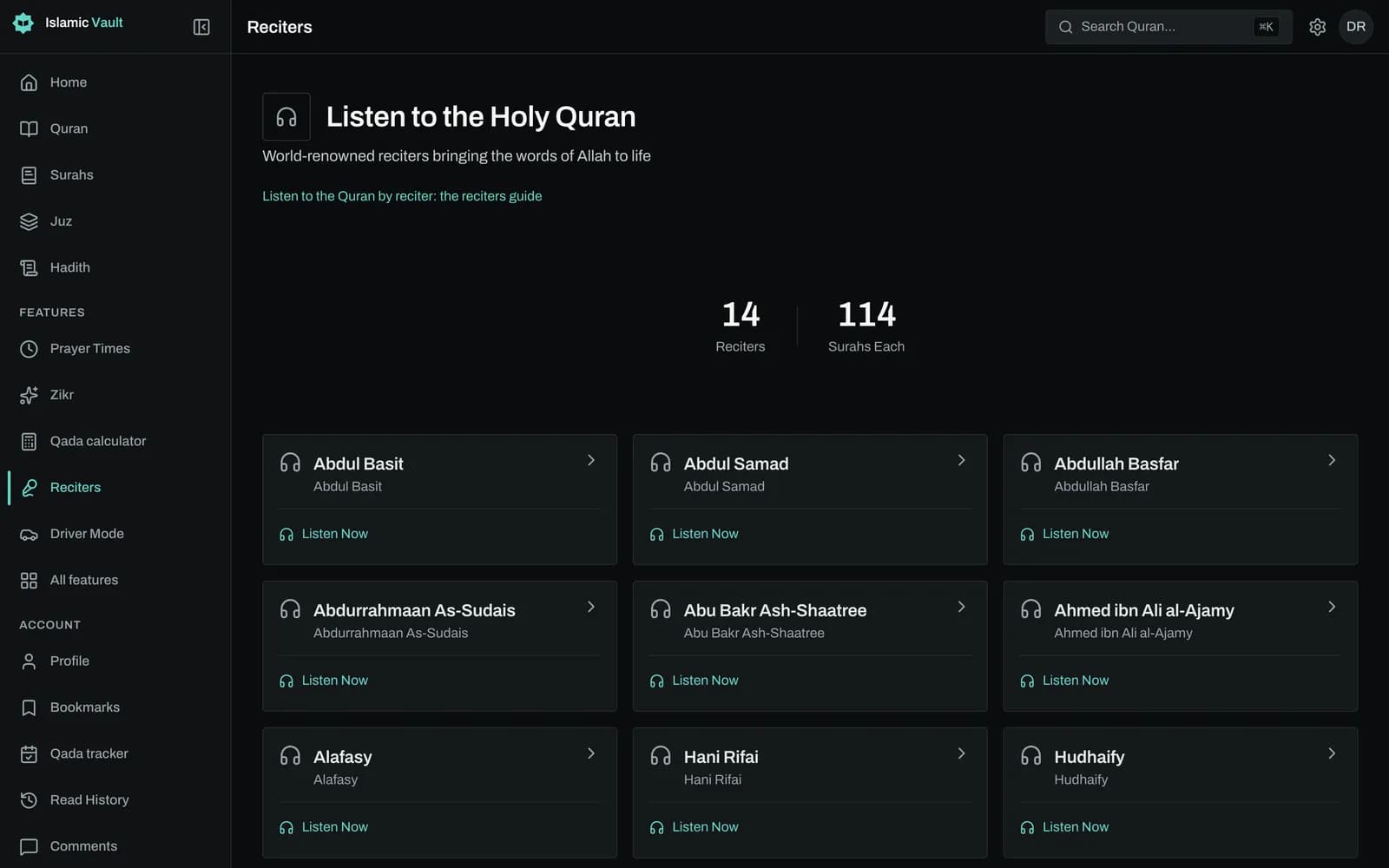
The full list, in the order the app shows it: Abdul Basit, Abdul Samad, Abdullah Basfar, Abdurrahmaan As-Sudais, Abu Bakr Ash-Shaatree, Ahmed ibn Ali al-Ajamy, Alafasy, Hani Rifai, Hudhaify, Husary, Husary (Mujawwad), Maher Al Muaiqly, Minshawy (Mujawwad) and Saood bin Ibraaheem Ash-Shuraym.
Each reciter has a page listing all 114 surahs with their Arabic names and ayah counts, plus a row of surahs people often return to, such as Al-Faatiha, Yaseen, Ar-Rahmaan, Al-Mulk and the last three surahs. Husary appears twice because two of his recordings are available: his plain recitation and his Mujawwad recitation. Minshawy is available in his Mujawwad recitation.
We keep this page honest about what is missing: there are no reciter biographies or photos yet, and reciters not in the list above (for example Saad Al-Ghamdi) are not available.
How do I listen while following the Arabic text and translation?
Choose a reciter in the settings panel, open a surah and press Play all. The audio plays one ayah after another, the ayah being recited is highlighted, and the Arabic text sits next to the translation you selected, so you can read the meaning while you listen instead of switching between two apps.
The same reciter is used everywhere you can play audio: the surah reader, a single ayah, the mushaf page view and the large-button driving mode. Auto-scroll is off by default; switch it on and the page follows the recitation for you. The player also has previous and next ayah buttons, a seek bar, volume and mute, and speeds from 0.5x to 2x.
Because each ayah is a separate audio file, you may notice a very short pause between ayahs. If a file cannot load, the player tells you the audio is unavailable rather than failing silently.
Which reciter is best for memorizing the Quran?
The best reciter for memorization is the one whose pace you can follow and repeat comfortably. Many people find a slower, steady recitation easier to copy than a melodic one. Try a few surahs with two or three reciters, slow the speed down if needed, then stay with one voice so the sound becomes familiar.
Sticking to a single reciter helps because you begin to remember the rhythm and the places where he pauses, not only the words. If a reciter feels too fast, the 0.75x or 0.5x speed setting can make a long ayah easier to follow without changing the recitation itself.
For focused practice, the Quran memorization feature is built around repeating each ayah before moving on. The reader and the reciter list are good for listening; memorization mode is where steady repetition happens.
Where does the audio come from?
The recitations are per-ayah MP3 files streamed from the islamic.network audio library, a public collection of Quran recordings. Islamic Vault does not host or edit the audio. We match each file to its surah and ayah so that the text on screen and the voice you hear always point to the same verse.
Files are streamed at 64 kbps, which keeps them light on mobile data. Listening on the website needs no account at all, and the iOS and Android apps include the same reciters with a reciter list, a surah playlist and repeat options for a single ayah or a whole surah.
Sources and method
- Quran audio library, cdn.islamic.network (per-ayah MP3 recitations)
- Islamic Vault reciters list
- Islamic Vault Quran reader, Surah Al-Faatiha
Frequently asked questions
Who is the best Quran reciter?
There is no single answer: people love different reciters for their voice, pace and style, and we do not rank them. Abdul Basit, Alafasy, Husary, As-Sudais and Maher Al Muaiqly are all among the 14 reciters here, so you can listen to the same surah in several voices and decide for yourself.
Where can I listen to Mishary Alafasy's full Quran recitation?
Alafasy is one of the 14 reciters, with all 114 surahs and every ayah available. Select Alafasy under Audio reciter in the settings panel, open any surah and press Play all. His reciter page lists every surah if you want to see what is included.
Can I listen to the Quran online for free?
Yes. Listening is free and works without an account, on the website and in the iOS and Android apps. There are no paid reciters or locked surahs. A free account is only needed for features such as bookmarks and reading progress, not for audio.
Can I choose a different reciter for each surah?
Not automatically. The reciter is one setting that applies everywhere, so you cannot save a different reciter per surah. You can change it at any time in the settings panel, though, and the next ayah you play uses the new voice.
Can I loop a single ayah while listening?
In the iOS and Android apps, the player has repeat modes for a single ayah or a whole surah. On the website, the regular player has no repeat button; use the Quran memorization feature instead, which repeats each ayah a set number of times before moving on.
Can I download Quran audio to listen offline?
No. The audio is streamed while you listen, and there is currently no download button or offline mode. You need an internet connection to play a recitation.
Can I slow down the recitation?
Yes. The web player cycles through 0.5x, 0.75x, 1x, 1.25x, 1.5x and 2x. Slower speeds help when you are learning pronunciation or following along with the Arabic text for the first time.
Related features
Memorize the Quran by listening: pick a surah and ayah range, repeat each ayah up to 20 times and listen hands-free with large controls. Free, no sign-up.
Read all 114 surahs of the Quran online in Arabic with English translation and transliteration. Choose from 50+ translations in 30+ languages, free.
Read the Quran page by page online with the 604 page divisions of the Madinah mushaf. Jump to any page, add translation and listen ayah by ayah. Free.
Keep your progress in one place
Create a free account to save your progress and pick up where you left off. Or start exploring now, no account needed.